Switched from Xournal++ to Krita for taking math notes
For taking handwriting math notes on my computer, I’ve switched from Xournal++ to Krita, because the writing experiences and strokes of brushes in Krita are much better than the former.
Even though Krita can only edit a single image at a time, I can use a folder to organize many pages related to a same mathematical topic. Similarly, scanned math notes on paper notebooks can also be organized like this.
Meanwhile, the following features are also helpful for editing and visualizing these math notes:
-
*.kra files can be directly viewed in Gwenview.
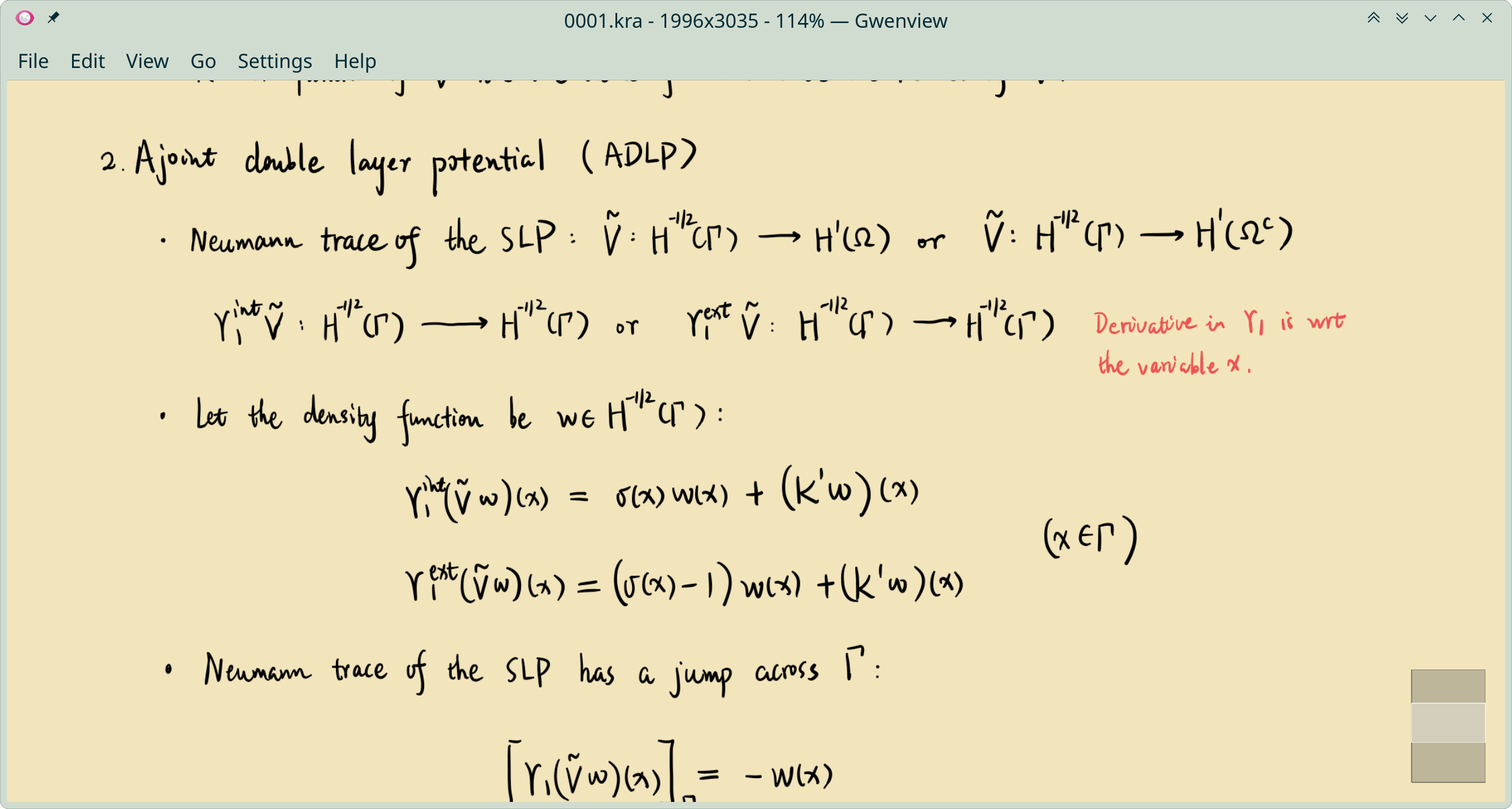
-
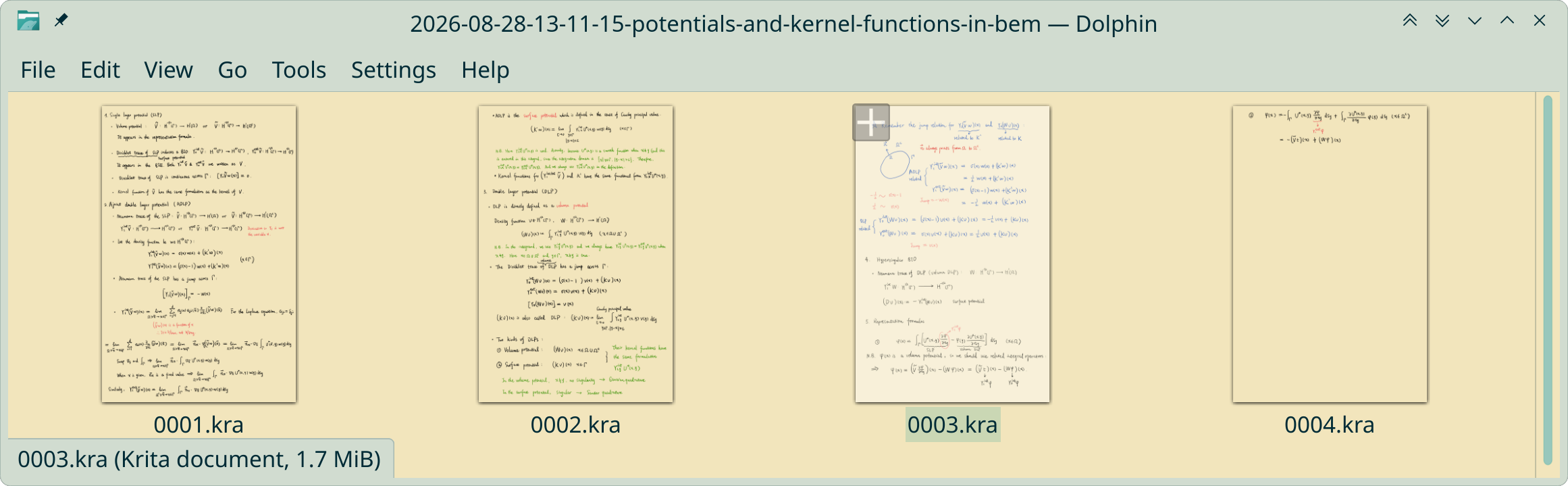
*.kra files can be previewed in the file explorer Dolphin and their thumbnails have better resolution than those of *.xopp files (see also Thumbnails in KDE).
- Vector layers can be created in Krita, on which we can draw straight lines, curves and polygons.
- By setting the spacing property of a Krita brush, we can draw dashed lines.
-
I can create a link to the folder storing math notes in Org notes, so that they can be organized by categories. If some note pages need to be linked and previewed in an Org file, I still need to export png files from their *.kra files. After inserting the links in Emacs and the cursor is on one of the link, using my previous elisp function
tjh/org-edit-image-with-krita, I can directly edit the corresponding *.kra file.(defun tjh/org-edit-image-with-krita () "Edit a linked image using Krita. If the original kra file exists, edit this file." (interactive) (let* ((link (org-element-property :path (org-element-context))) (krita-file (replace-regexp-in-string "png$" "kra" link))) (if (file-exists-p krita-file) (start-process-shell-command "org-open-link" nil (format "%s '%s'" "krita" krita-file)) (start-process-shell-command "org-open-link" nil (format "%s '%s'" "krita" link)))))