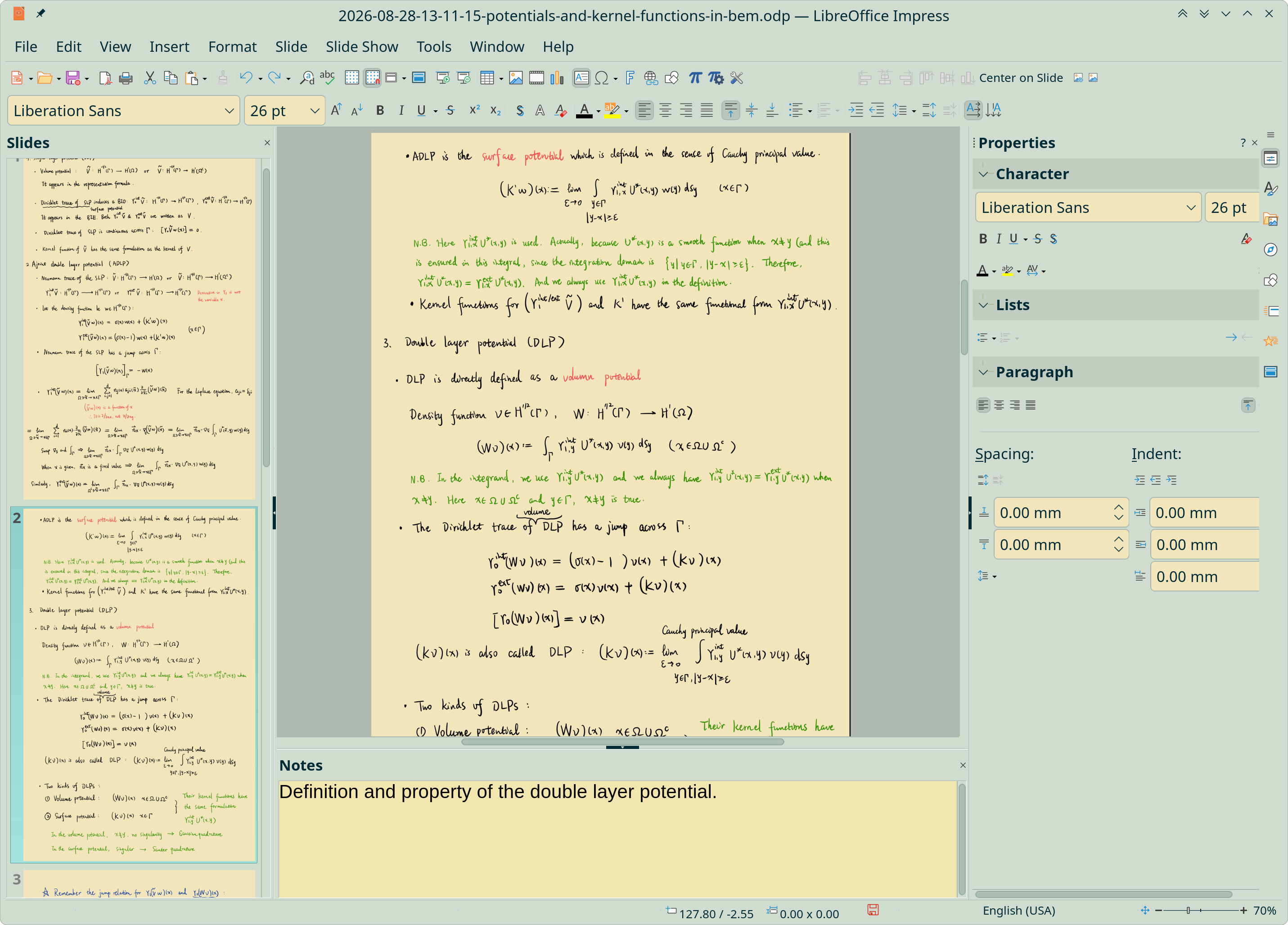
Manage handwriting math notes within Impress
After switching from Xournal++ to Krita for taking math notes, I start to use LibreOffice Impress for managing them in a same space. Each note image is inserted onto a slide, instead of being stored as an independent file in the file system.
To import a collection of scanned images into Impress, use the VBA script mentioned in Manage scanned notes and sketches with LibreOffice Impress.
I can select a few slides and move them together to a particular place. The slide sorter also provides a good overview of all contents. Even Xournal++ at the moment does not have such convenience, in which only a single page can be moved up and down at a time.
I’ve set the default application for opening a PNG image as Krita. Then after right clicking on a note image and clicking “Edit With External Tools”, the image will be edited in Krita.
Moreover, I can create hyperlinks between slides or to external files, add annotations and do even more things. In this way, my notebook is a much better choice than GoodNotes.