Font configuration in Emacs
Basic concepts
Several concepts should be clarified first.
- Script: [Oxford Advanced Learner] n. a set of letters in which a language is written. Therefore, a font covers a single or several scripts or alphabets.
-
Font: it defines how to draw the characters within its supported scripts. For a font used on computers, the supported scripts are represented by some character code. We can use
fc-listto check which fonts are available on a GNU/Linux system, which can be used by applications which supportfontconfig. We can also usefontforgeto check the encoding supported by a font file.For example, check the 仓耳今楷 font on my system:
fc-list | grep -i tsangerThen we use
fontforgeto check its encoding in the menu “Encoding” → “Reencode”, which is ISO-10646-1 Unicode.fontforge `fc-list | grep -i tsanger | cut -d : -f 1`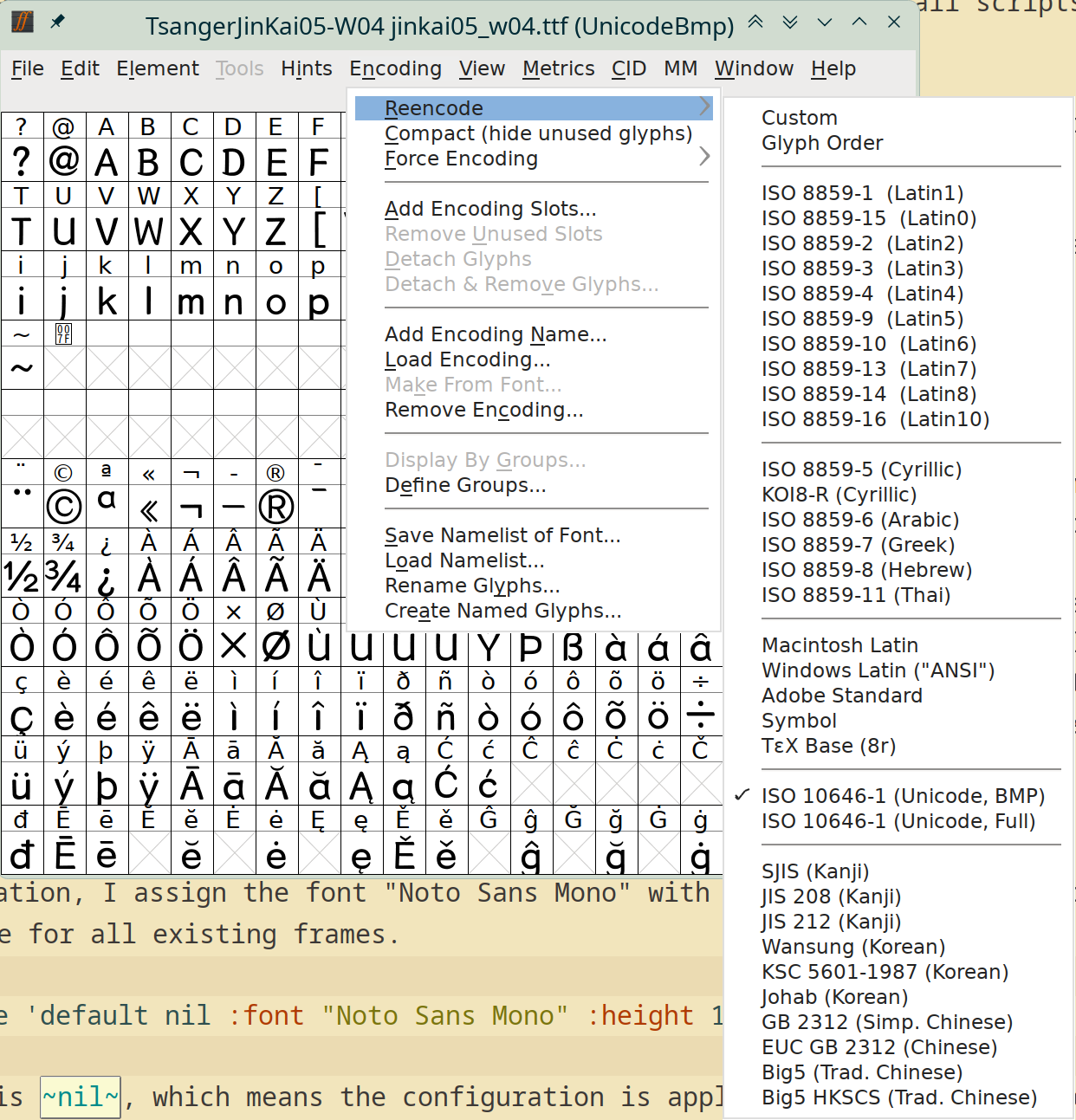
-
Fontset: a fontset is the collection of fonts that Emacs uses to display all scripts it supports.
Emacs defines three fontsets:
standard,startupanddefaultfontsets. The default fontset is the default fallback of the other two. -
Character set: it is a set of letters in one or several scripts. It is in the sense of symbols of characters, but not related to how they are represented on computers. For a same character set, there may be several ways of encoding.
Therefore, a font/fontset determines how character symbols are displayed or visualized, while a character set is just a group of character symbols. For a same language, a font/fontset and a character set may not be identical.
- Character code: the binary representation of characters on computers. Therefore, a complete character code or any subset of it naturally implies a character set, i.e. assign character code to a character set.
- Glyph: a glyph is a visual representation of a character. [OED] A sculptured mark or symbol.
- Face: it is short for typeface, which is a set of letters, numbers, etc. of a particular design, used in printing. It is the style Emacs uses to display some text. It is equivalent to a CSS style. Some faces defined by Emacs are
default,bold,bold-italic, etc. Some faces defined by Org mode areorg-level-1,org-level-2,org-quote, etc.
Buffer font configuration
In my Emacs configuration, I assign the font “Noto Sans Mono” with a height 130 in units of 1/10 pt to the default face for all existing frames.
(set-face-attribute 'default nil :font "Noto Sans Mono" :height 130)
The second argument is nil, which means the configuration is applied to all existing and new frames, while t only for new frames.
In the default fontset of Emacs, I choose the font 仓耳今楷05 for Chinese related scripts and character sets, so that English and Chinese can be displayed in separate fonts.
(dolist (script-or-charset '(han cjk-misc chinese-gbk kana big5 big5-hkscs chinese-big5-1 chinese-big5-2))
  (set-fontset-font t script-or-charset (font-spec :family "仓耳今楷05")))
The first argument t means the default fontset. The function font-spec is used to create a font-spec object.
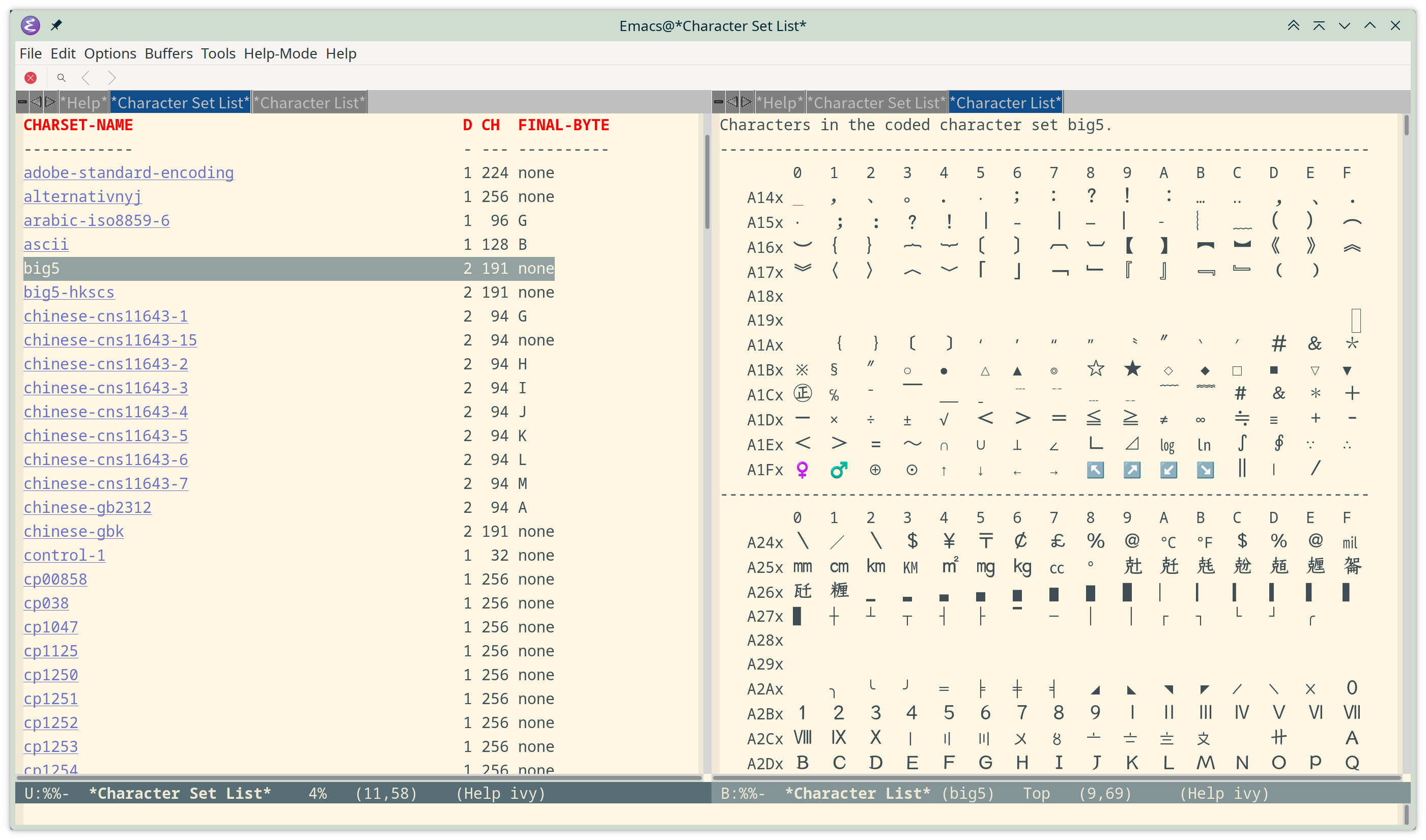
According to the documentation of set-fontset-font, we can check the variable script-representative-chars for a list of scripts and execute list-character-sets to see existing character sets. In the above configuration, han, cjk-misc and kana are scripts. chinese-gbk, big5, big5-hkscs, chinese-big5-1 and chinese-big5-2 are character sets.
The characters in big5 charset is like this.
Because the font 仓耳今楷05 looks a little smaller than a same size English font, I also assign it a scaling factor.
;; Use Chinese in the font name and the rescaling will take effect.
(add-to-list 'face-font-rescale-alist '("仓耳今楷05" . 1.3))
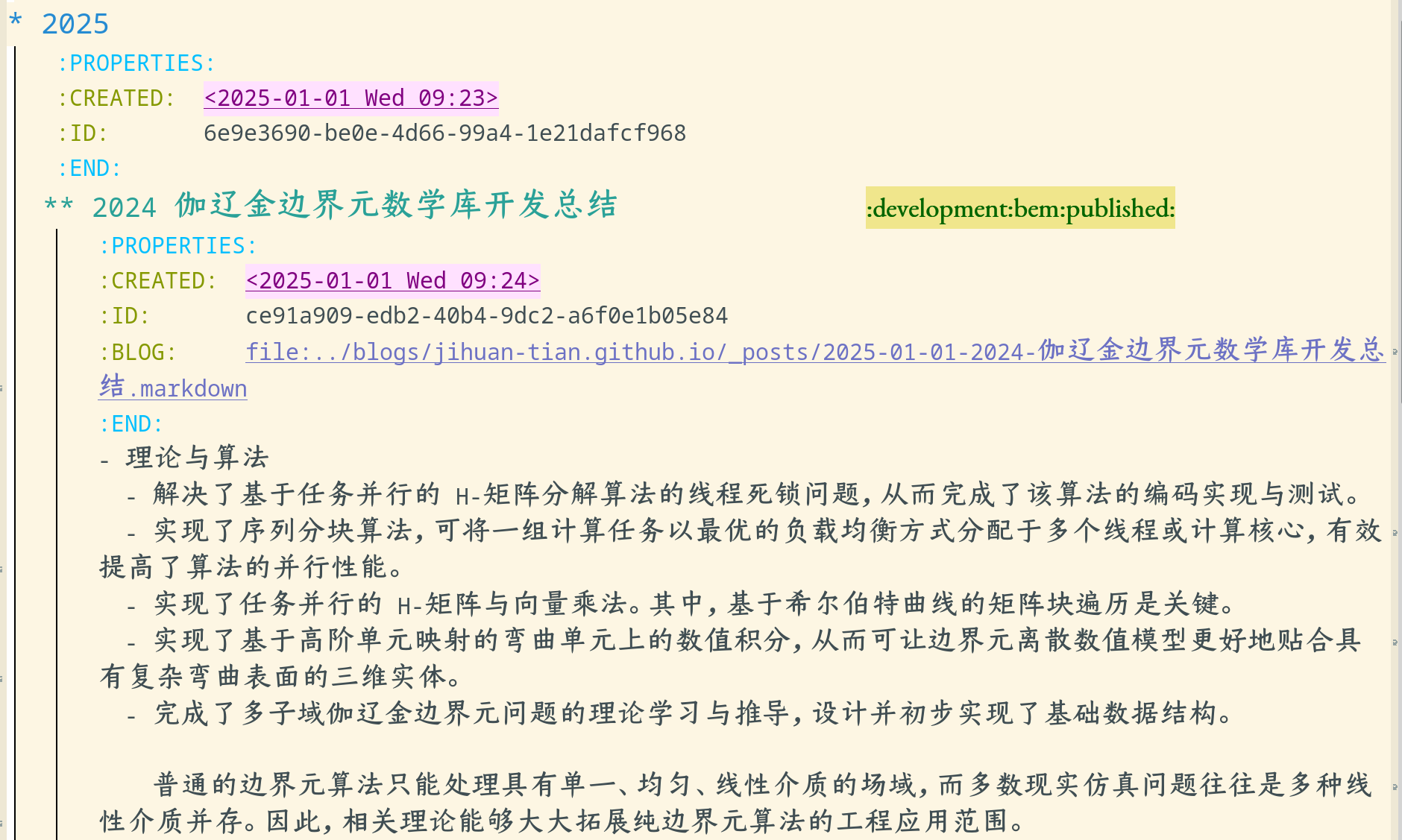
Now the Chinese font in Emacs editor looks more comfortable.
Interface font configuration
For Emacs with lucid x-toolkit that I use, by default the Chinese characters in menu items are displayed as empty boxes.
The solution is to set their fonts in $HOME/.Xresources. Available fonts can be listed with fc-list and these fonts are used by applications with fontconfig support.
Emacs.pane.menubar.font: Noto Sans CJK SC-12
Emacs.menu*.font: Noto Sans CJK SC-12
Emacs.dialog*.font: Noto Sans CJK SC-12
Then use xrdg -merge $HOME/.Xresources to apply the configuration and restart Emacs.
Related