Modes that I use for software development in Emacs
- I edit source code in both Emacs and VS Code.
auto-revert-modeshould enabled be so that Emacs can automatically reload a buffer whenever the associated file is modified in VS Code. scroll-all-modeis used to synchronize cursor movement in opened windows in a same frame. When comparing two similar files, this mode is very useful.- I enable
flyspell-prog-modewhen editing source code, which will limit spell checking to comment. -
I enable
texfrag-modeto render LaTeX fragments in the comment. A filter function should be defined to transform the LaTeX fragments written in Doxygen format to LaTeX code.(defun texfrag-cpp-filter (str) "`texfrag-cpp-filter' filtering STR for C++ programming" (setq str (replace-regexp-in-string "^ *\\(/\\*\\)\\|\\(\\* \\)" "" str)))Then we assign this function to
texfrag-equation-filter(setq texfrag-equation-filter #'texfrag-cpp-filter)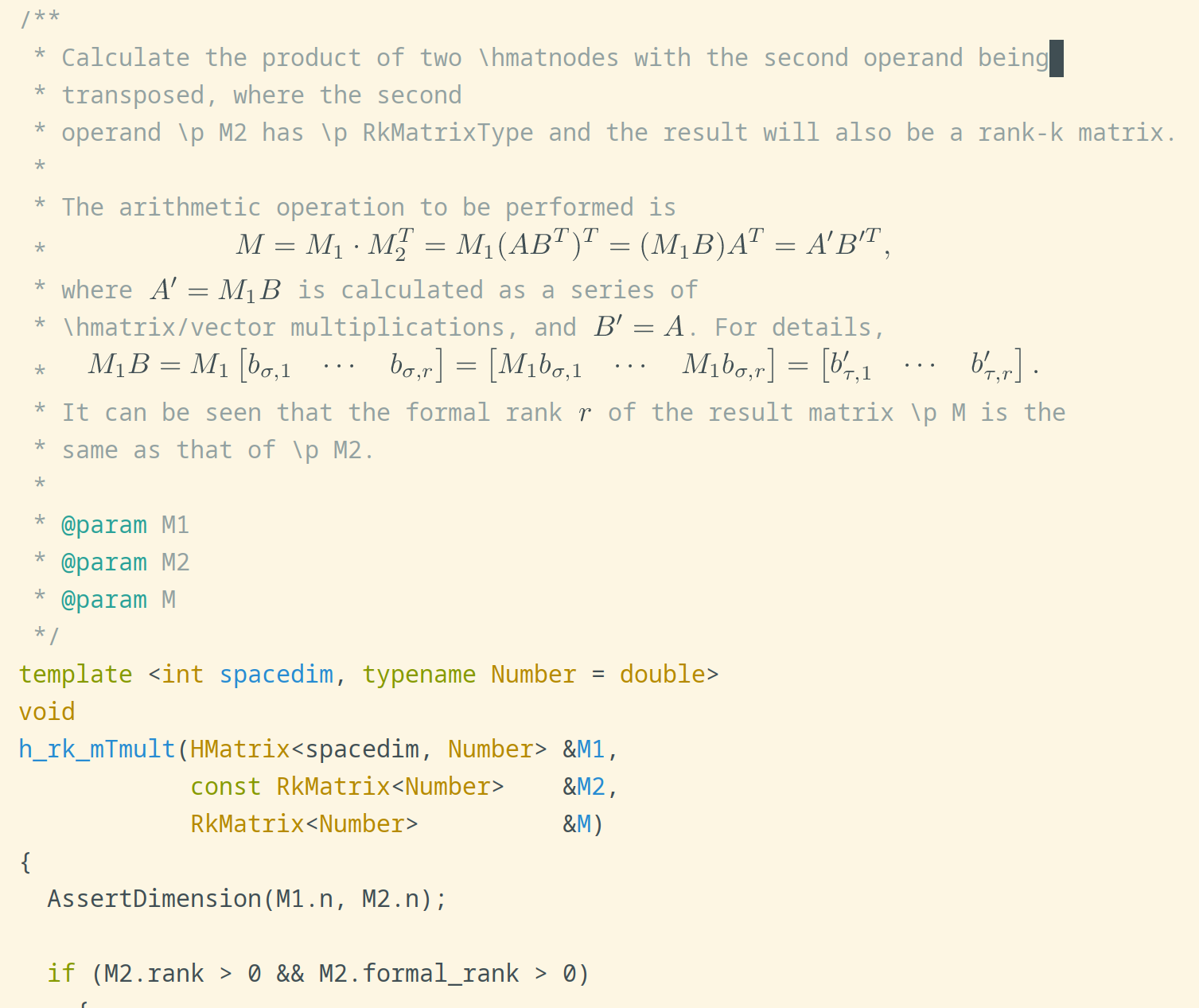
-
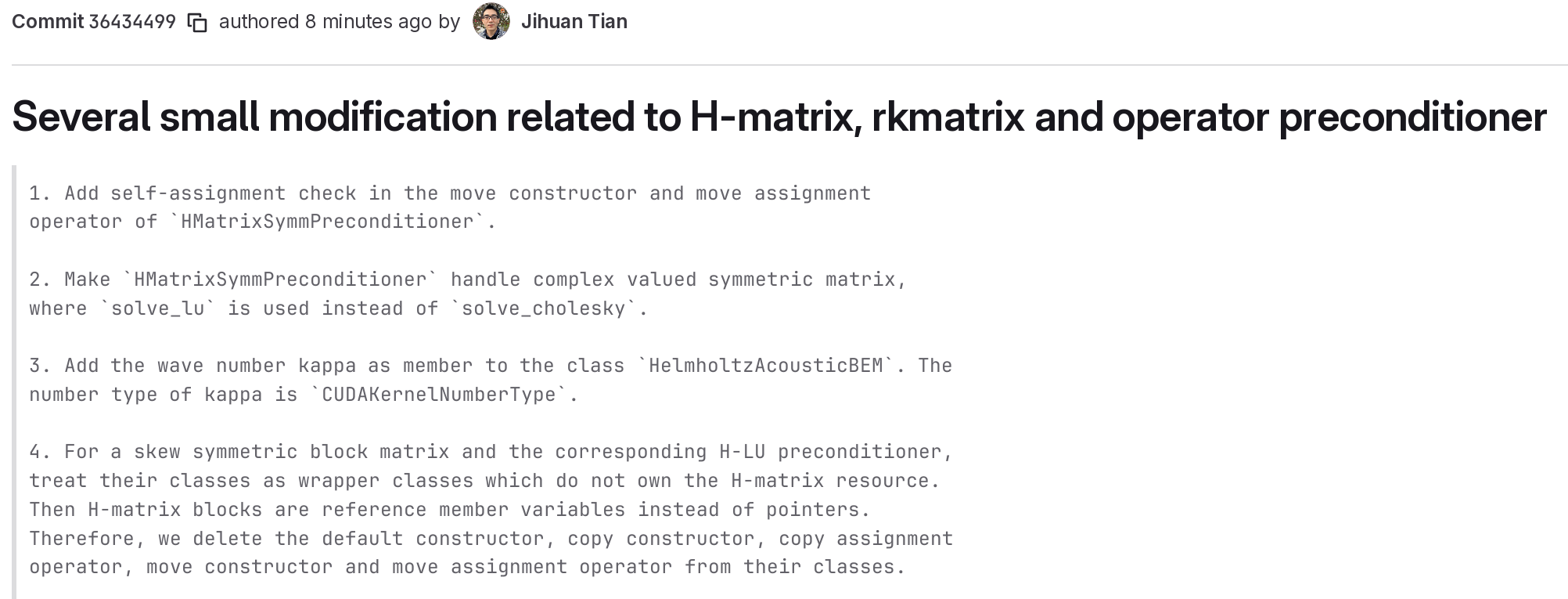
When writing commit message in Magit, I enable
flyspell-modefor spell checking andauto-fill-modefor wrapping long lines. Because the commit messages will not be wrapped when being viewed in Gitlab,auto-fill-modeis needed.Now detailed commit messages in Gitlab are easy to read as below.